LaTeXで定理スタイルを作成する方法
説明
LaTeXで定理、定義、補題、命題などを書くときは theorem 環境を使う。これらの環境は amsthm パッケージの \newtheorem コマンドを使って作成できる。最も基本的な形式は次のとおりだ。
\newtheorem{envname}{caption}
ここで envname はLaTeX文書内で使う環境の名前で、caption は実際の文書にレンダリングされて表示される名前である。例えば下のように書けば theorem という環境を作ることができる。
\newtheorem{theorem}{Theorem}
本文では次のように使用できる。
\begin{theorem}
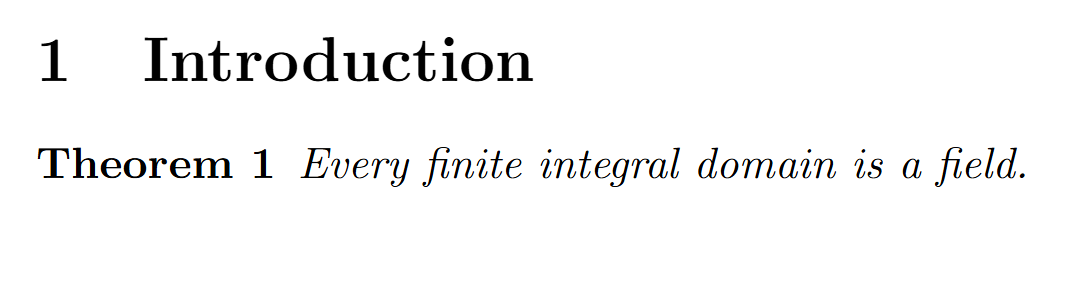
Every finite integral domain is a field.
\end{theorem}
出力結果は次のとおりだ。
コード
定理だけでなく定義、補題、命題、系(corollary)などを個別に用意したければ、次のように複数の環境を定義すればよい。
\newtheorem{theorem}{Theorem}
\newtheorem{definition}{Definition}
\newtheorem{lemma}{Lemma}
\newtheorem{proposition}{Proposition}
\newtheorem{corollary}{Corollary}
使い方はすべて同じである。
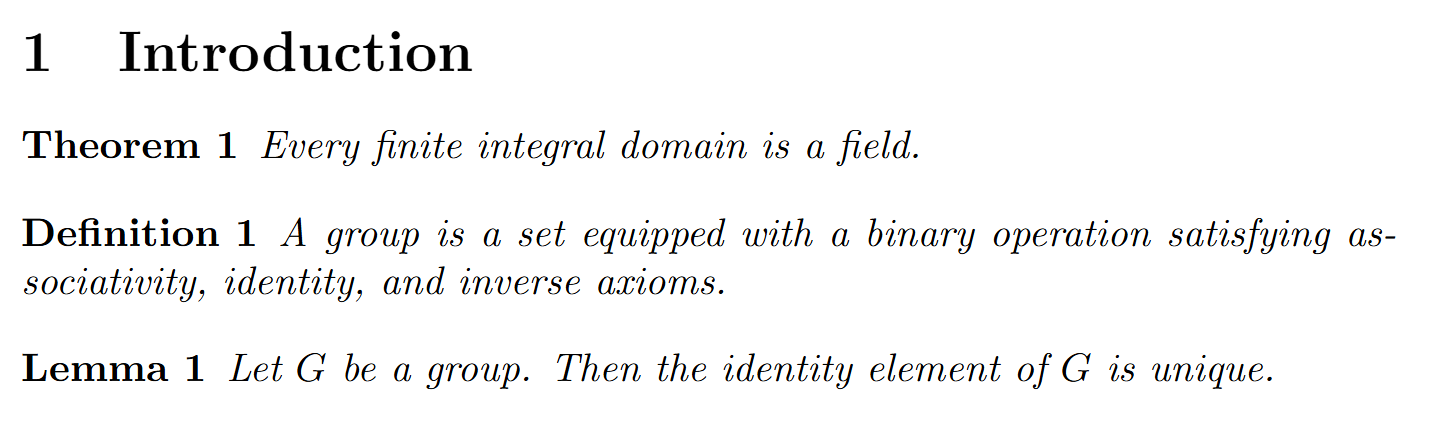
\begin{definition}
A group is a set equipped with a binary operation satisfying associativity, identity, and inverse axioms.
\end{definition}

\begin{lemma}
Let $G$ be a group. Then the identity element of $G$ is unique.
\end{lemma}
番号を共有する
上のようにそれぞれの環境を個別に定義すると、各環境ごとに番号が付与される。例えば Theorem 1、Definition 1、Lemma 1 のようにそれぞれ独立して番号が振られる。
もし定理、定義、補題が同じ番号体系を共有するようにしたければ、以下のように書く。
\newtheorem{theorem}{Theorem}
\newtheorem{definition}[theorem]{Definition}
\newtheorem{lemma}[theorem]{Lemma}
\newtheorem{proposition}[theorem]{Proposition}
\newtheorem{corollary}[theorem]{Corollary}
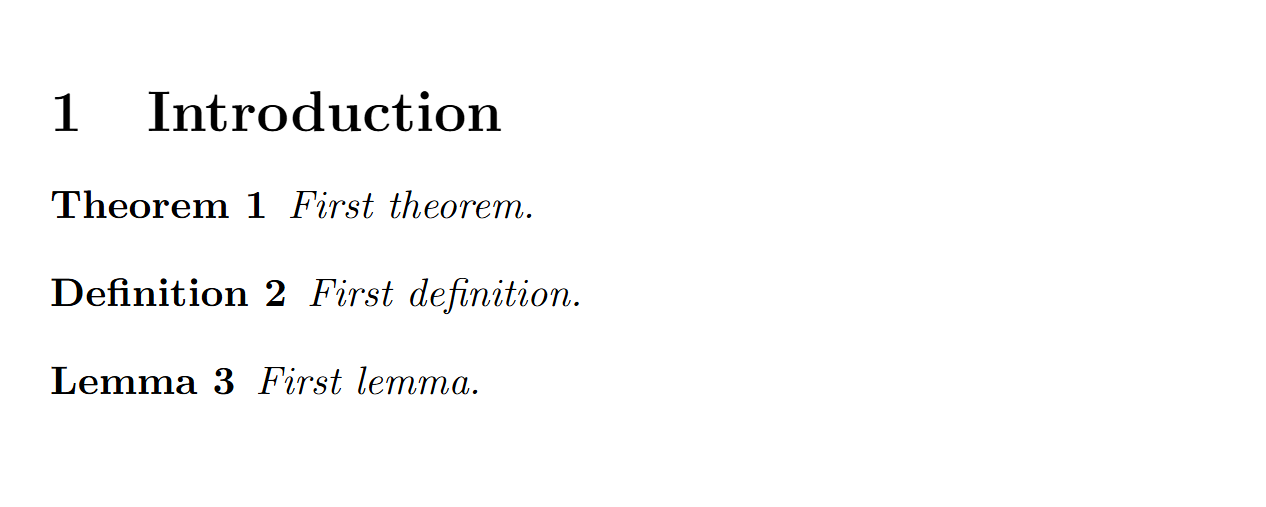
ここで [theorem] の意味は definition 環境が theorem 環境の番号体系を共有するということだ。例えば下のように書けば、
\begin{theorem}
First theorem.
\end{theorem}

\begin{definition}
First definition.
\end{definition}

\begin{lemma}
First lemma.
\end{lemma}
出力は次のようになる。
セクション番号に従って番号付けする
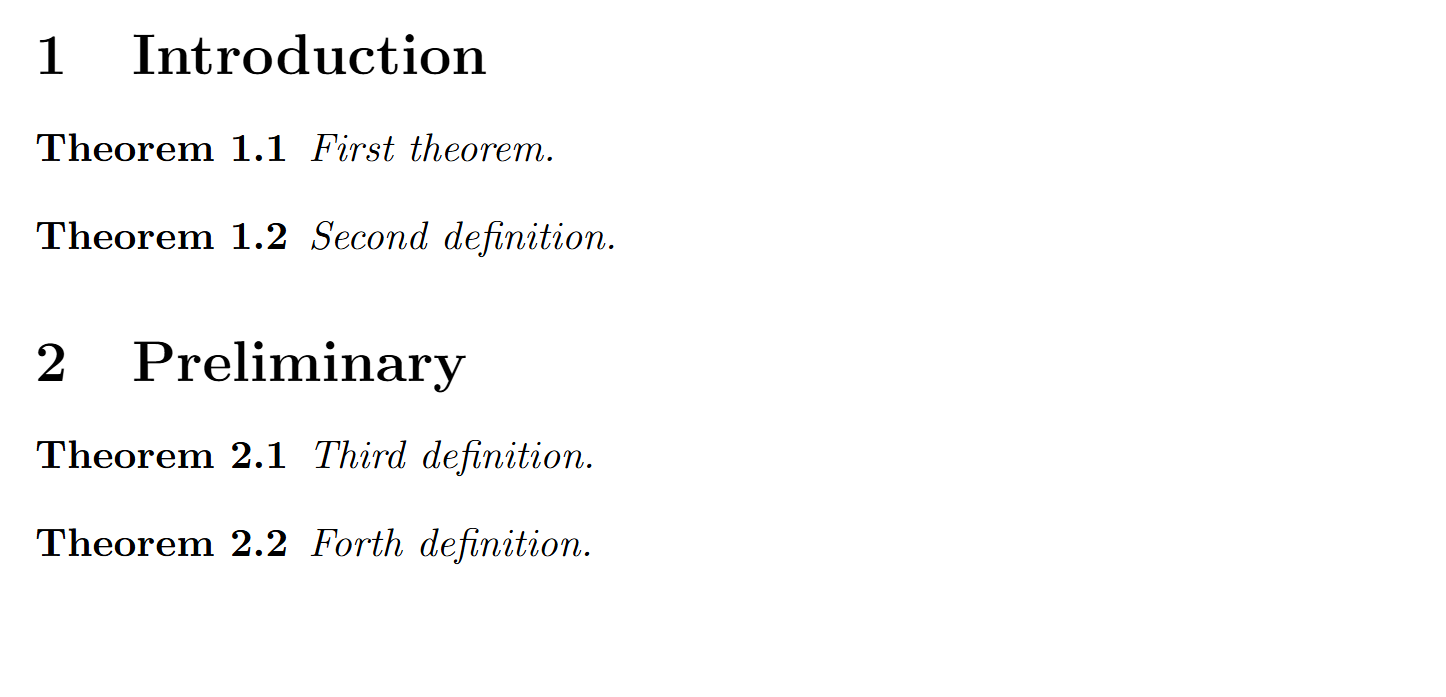
論文や書籍では定理番号をセクション番号とともに付けることが多い。例えば Theorem 2.1、Definition 2.2 のように表示する方法である。この場合は \newtheorem の第三引数で番号の基準を指定する。下のようにすると定理番号がセクションごとに初期化され、セクション番号が付与される。
\newtheorem{theorem}{Theorem}[section]
以下のように本文を書くと、
\section{Introduction}

\begin{theorem}
First theorem.
\end{theorem}

\begin{theorem}
Second definition.
\end{theorem}

\section{Preliminary}

\begin{theorem}
Third definition.
\end{theorem}

\begin{theorem}
Forth definition.
出力は次のようになる。