Crawling Web Documents and Removing Tags with Python
Overview
Python is well equipped with packages for crawling, so it is easy to follow along. Let’s read a web page and remove the html tags.
Example
Code
import requests
from bs4 import BeautifulSoup
import re

rq = requests.get("https://ko.wikipedia.org/wiki/%EC%98%A4%EB%A7%88%EC%9D%B4%EA%B1%B8")
rqctnt = rq.content
soup = BeautifulSoup(rqctnt,"html.parser")

OMG = str(soup.find\_all("p"))

OMG = re.sub('<.+?>', '', OMG, 0).strip()
Result
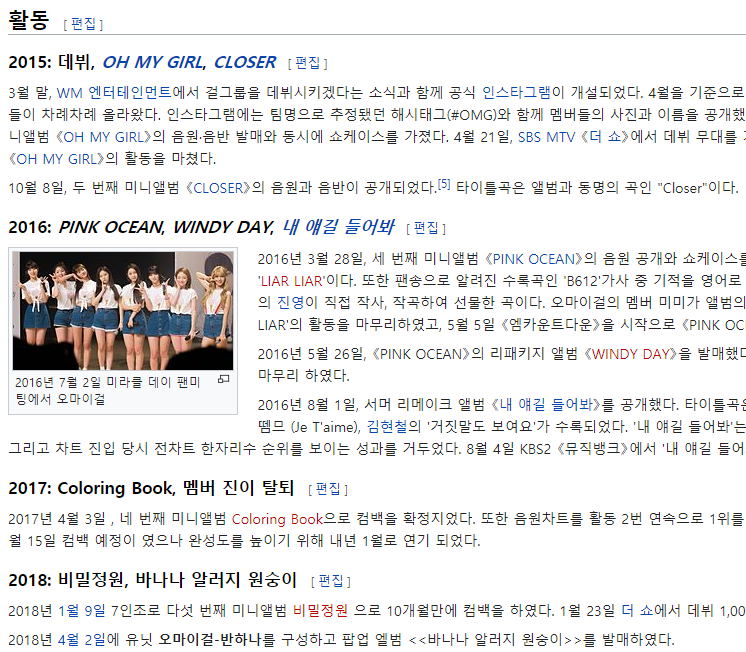
- As an example, let’s read the Oh My Girl entry from Wikipedia. The necessary packages are
requestsandbs4, as you can see.
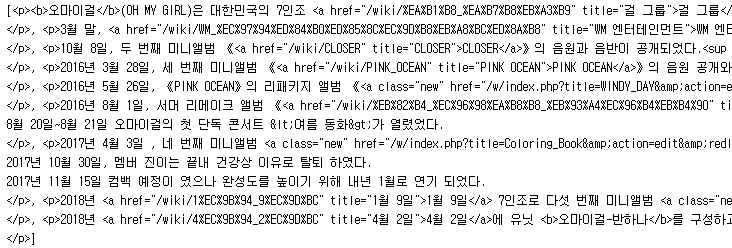
- If you only read it and print it out, the html tags are plastered all over it as shown above. To remove them, you need to use regular expressions as shown in the example code, and the
repackage is needed.
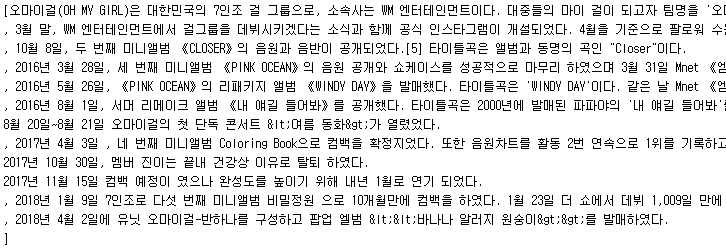
- After removing the tags and printing it out, only the necessary content is printed cleanly as shown above. In
<<Banana Allergy Monkey>>,<came out as≤and>as>, so we just need to fix this part once more.