
Removing the Digit Output Limit in R
Overview
Although R is a language for statistics, the R console itself is not well suited for viewing data.
Nevertheless, when handling big data with hundreds of thousands of observations, or when checking whether the handling was done properly, plain output is convenient.
Tip
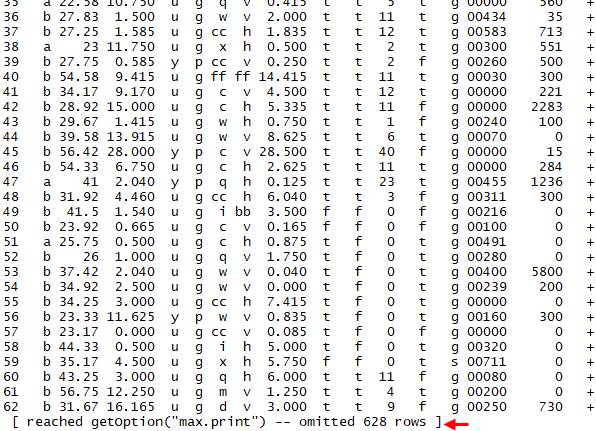
When there are a fair number of observations, printing them to the console cuts off the bottom part in a big chunk, as shown above.
In this case, you can remove the output limit by entering options(max.print = .Machine$integer.max) in the console.
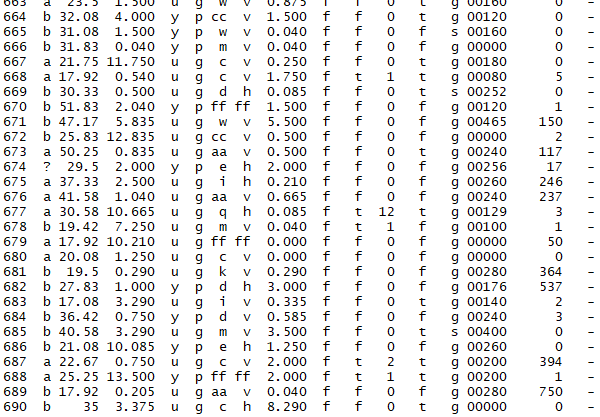
When you are in a hurry, it doesn’t matter if you just throw in a suitably large number like options(max.print = 9999999). The options() function has options such as the following.
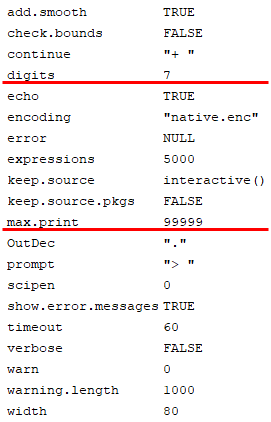
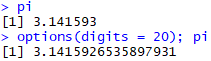
As you can tell at a glance, the only options a typical R user would find useful are digits and max.print. Changing digits changes the number of digits in the numbers that get printed.
Code
Below is the example code. Create your own example528.csv file and try testing it.
example528<-read.csv(file = file.choose()); example528
options(max.print = .Machine$integer.max); example528

pi
options(digits = 20); pi