How to Create Theorem Styles in LaTeX
Explanation
In LaTeX, to write theorems, definitions, lemmas, propositions, etc., one uses the theorem environment. Such environments can be created using the \newtheorem command from the amsthm package. The most basic form is as follows.
\newtheorem{envname}{caption}
Here envname is the name of the environment used within the LaTeX document, and caption is the name that will be rendered in the final document. For example, writing as below creates an environment called theorem.
\newtheorem{theorem}{Theorem}
You can then use it in the body as follows.
\begin{theorem}
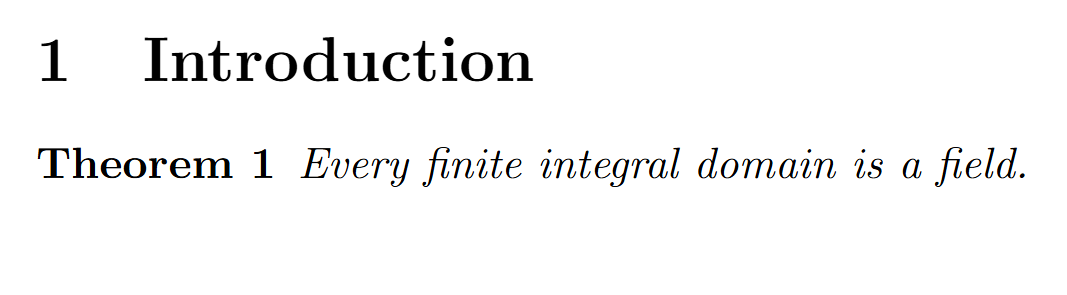
Every finite integral domain is a field.
\end{theorem}
The rendered output looks like this.
Code
If you want to create separate environments not only for theorems but also for definitions, lemmas, propositions, corollaries, etc., define multiple environments as follows.
\newtheorem{theorem}{Theorem}
\newtheorem{definition}{Definition}
\newtheorem{lemma}{Lemma}
\newtheorem{proposition}{Proposition}
\newtheorem{corollary}{Corollary}
Usage is identical for all.
\begin{definition}
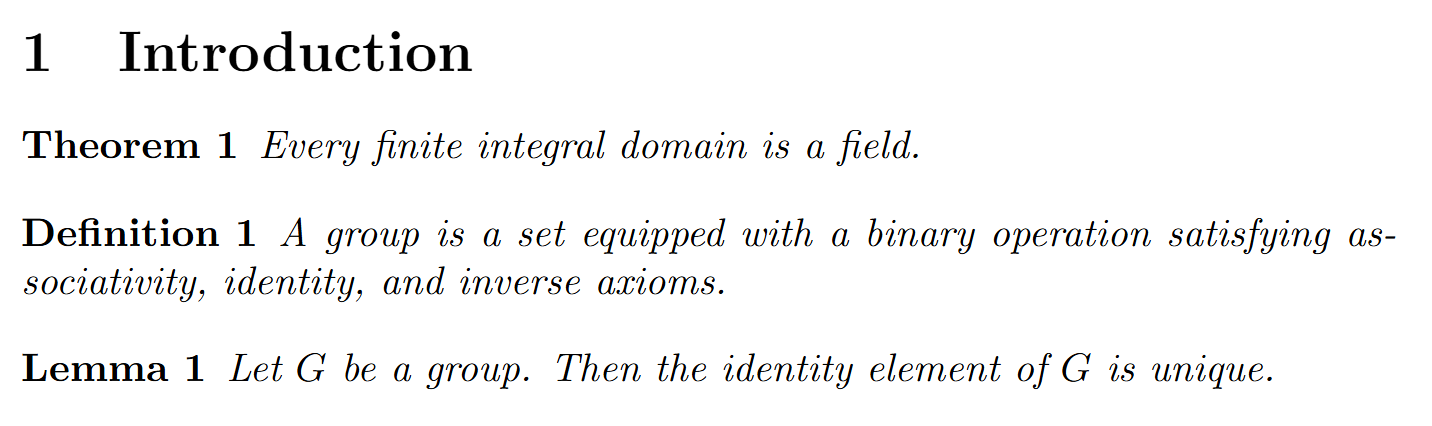
A group is a set equipped with a binary operation satisfying associativity, identity, and inverse axioms.
\end{definition}

\begin{lemma}
Let $G$ be a group. Then the identity element of $G$ is unique.
\end{lemma}
Sharing numbering
If you define each environment separately as above, each environment receives its own numbering. For example, you will get Theorem 1, Definition 1, Lemma 1, each independently numbered.
If you want theorems, definitions, and lemmas to share a single numbering sequence, write the declarations as follows.
\newtheorem{theorem}{Theorem}
\newtheorem{definition}[theorem]{Definition}
\newtheorem{lemma}[theorem]{Lemma}
\newtheorem{proposition}[theorem]{Proposition}
\newtheorem{corollary}[theorem]{Corollary}
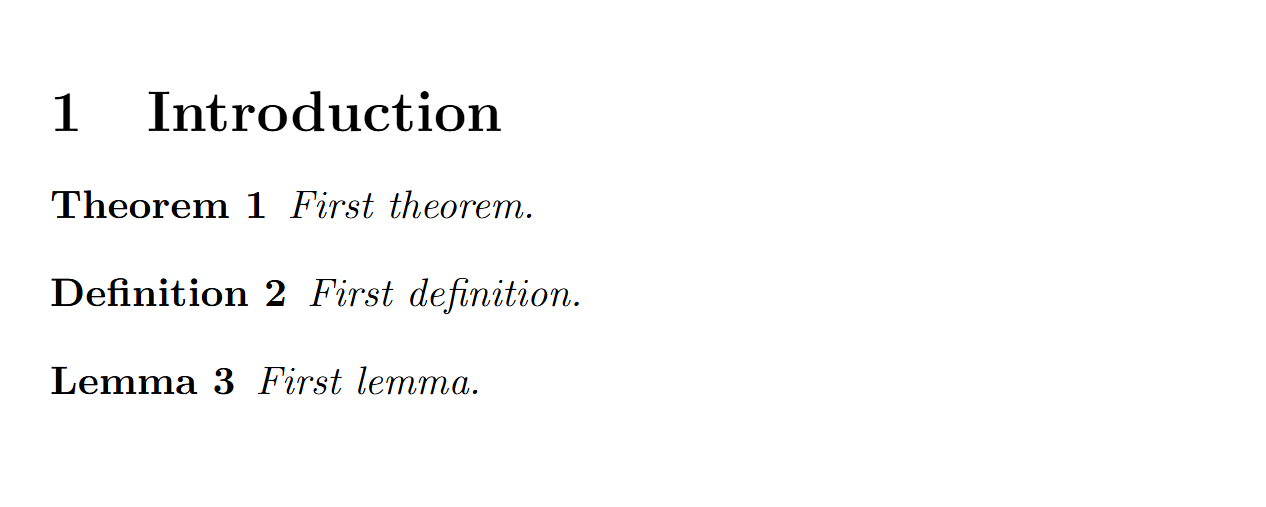
Here [theorem] means that the definition environment shares the numbering sequence of the theorem environment. For example, writing as below,
\begin{theorem}
First theorem.
\end{theorem}

\begin{definition}
First definition.
\end{definition}

\begin{lemma}
First lemma.
\end{lemma}
The output becomes:
Numbering by section
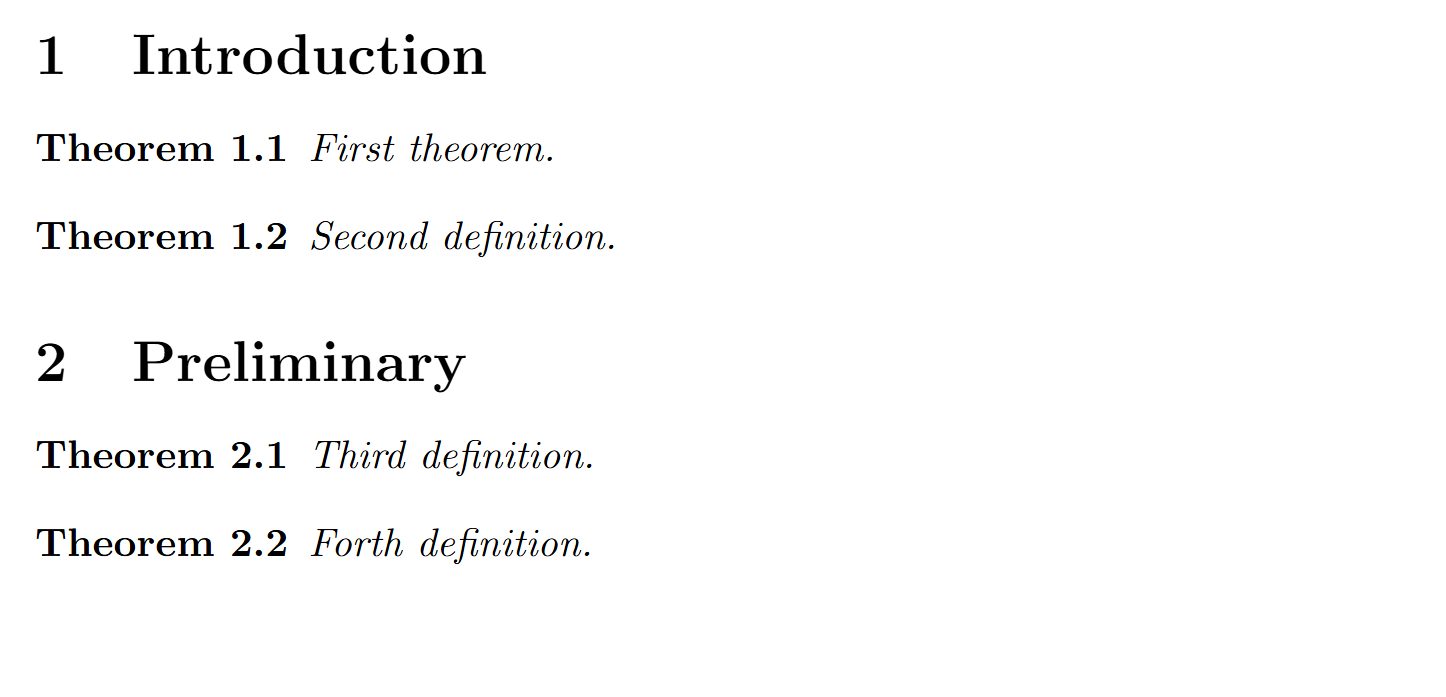
In articles or books, it is common to attach theorem numbers together with the section number; for example, Theorem 2.1, Definition 2.2. For this, specify the counter to be used as the third argument to \newtheorem. Setting it as below resets theorem numbering at each section and prefixes the section number.
\newtheorem{theorem}{Theorem}[section]
If you write the body as follows,
\section{Introduction}

\begin{theorem}
First theorem.
\end{theorem}

\begin{theorem}
Second definition.
\end{theorem}

\section{Preliminary}

\begin{theorem}
Third definition.
\end{theorem}

\begin{theorem}
Forth definition.
The rendered output looks like this.